'%20stroke-width='1.5'/%3e%3cg%20fill='%231be0c6'%3e%3cpath%20d='m32.25%2029h1.5v6h-1.5z'/%3e%3cpath%20d='m36%2033h-6l3%204z'/%3e%3c/g%3e%3c/svg%3e)
'%20stroke-width='1.5'/%3e%3cpath%20fill-rule='evenodd'%20clip-rule='evenodd'%20d='M35.125%2029H35V27.5H33.5V29H32.5V27.5H31V29H30.5H29V30.5V32.25V33.75V35.5V37H30.5H31V38.5H32.5V37H33.5V38.5H35V37H35.125C36.4367%2037%2037.5%2035.9367%2037.5%2034.625C37.5%2033.9964%2037.2558%2033.4248%2036.8571%2033C37.2558%2032.5752%2037.5%2032.0036%2037.5%2031.375C37.5%2030.0633%2036.4367%2029%2035.125%2029ZM30.5%2030.5H35.125C35.6082%2030.5%2036%2030.8918%2036%2031.375C36%2031.8582%2035.6082%2032.25%2035.125%2032.25H30.5V30.5ZM35.125%2033.75H30.5V35.5H35.125C35.6082%2035.5%2036%2035.1082%2036%2034.625C36%2034.1418%2035.6082%2033.75%2035.125%2033.75Z'%20fill='%231BE0C6'/%3e%3cdefs%3e%3clinearGradient%20id='paint0_linear_11576_70700'%20x1='23'%20y1='33'%20x2='43'%20y2='33'%20gradientUnits='userSpaceOnUse'%3e%3cstop%20stop-color='%231D56F5'/%3e%3cstop%20offset='1'%20stop-color='%2300B3F5'/%3e%3c/linearGradient%3e%3c/defs%3e%3c/svg%3e)
'/%3e%3cpath%20d='M32.5%2034.4883H37.5'%20stroke='%231BE0C6'%20stroke-width='1.5'/%3e%3cdefs%3e%3clinearGradient%20id='paint0_linear_8794_15706'%20x1='27'%20y1='34.2943'%20x2='44.0549'%20y2='34.2943'%20gradientUnits='userSpaceOnUse'%3e%3cstop%20stop-color='%231D56F5'/%3e%3cstop%20offset='1'%20stop-color='%2300B3F5'/%3e%3c/linearGradient%3e%3c/defs%3e%3c/svg%3e)
'%20stroke-width='1.5'/%3e%3cpath%20d='M31%2031H39'%20stroke='%231BE0C6'%20stroke-width='1.5'/%3e%3cdefs%3e%3clinearGradient%20id='paint0_linear_1223_27506'%20x1='25'%20y1='39.5488'%20x2='37.8691'%20y2='17.1844'%20gradientUnits='userSpaceOnUse'%3e%3cstop%20stop-color='%233165F5'/%3e%3cstop%20offset='1'%20stop-color='%231DBBF5'/%3e%3c/linearGradient%3e%3c/defs%3e%3c/svg%3e)
'%20stroke-width='1.5'/%3e%3crect%20x='32'%20y='29.75'%20width='1.5'%20height='6'%20fill='%231BE0C6'/%3e%3cdefs%3e%3clinearGradient%20id='paint0_linear_26_143'%20x1='23'%20y1='41.5488'%20x2='35.8691'%20y2='19.1844'%20gradientUnits='userSpaceOnUse'%3e%3cstop%20stop-color='%233165F5'/%3e%3cstop%20offset='1'%20stop-color='%231DBBF5'/%3e%3c/linearGradient%3e%3c/defs%3e%3c/svg%3e)
'%20stroke-width='1.5'/%3e%3cpath%20d='M35.9611%2028H32.7286L29.9999%2033.76H32.2652L31.3974%2038L35.9999%2032.6323H32.9632L35.9611%2028Z'%20fill='%231BE0C6'/%3e%3cdefs%3e%3clinearGradient%20id='paint0_linear_6189_76518'%20x1='23'%20y1='41.5488'%20x2='35.8691'%20y2='19.1844'%20gradientUnits='userSpaceOnUse'%3e%3cstop%20stop-color='%233165F5'/%3e%3cstop%20offset='1'%20stop-color='%231DBBF5'/%3e%3c/linearGradient%3e%3c/defs%3e%3c/svg%3e) Get Started
Get Started'%20fill='url(%23paint0_linear_26_134)'/%3e%3cdefs%3e%3clinearGradient%20id='paint0_linear_26_134'%20x1='35.2581'%20y1='35.6239'%20x2='35.445'%20y2='33.3493'%20gradientUnits='userSpaceOnUse'%3e%3cstop%20stop-color='%233165F5'/%3e%3cstop%20offset='1'%20stop-color='%231DBBF5'/%3e%3c/linearGradient%3e%3c/defs%3e%3c/svg%3e) Tutorials
Tutorials'%20stroke-width='1.5'/%3e%3cpath%20d='M16%2033C16%2033%2018.5%2030%2024%2030C29.5%2030%2032%2033%2032%2033'%20stroke='%231BE0C6'%20stroke-width='1.5'/%3e%3cdefs%3e%3clinearGradient%20id='paint0_linear_3104_84810'%20x1='19'%20y1='26.3658'%20x2='28.5193'%20y2='13.6404'%20gradientUnits='userSpaceOnUse'%3e%3cstop%20stop-color='%233165F5'/%3e%3cstop%20offset='1'%20stop-color='%231DBBF5'/%3e%3c/linearGradient%3e%3c/defs%3e%3c/svg%3e) Expert Reviews
Expert Reviews'%20stroke-width='1.5'/%3e%3crect%20x='27'%20y='33'%20width='6'%20height='1.5'%20fill='%231BE0C6'/%3e%3cdefs%3e%3clinearGradient%20id='paint0_linear_1223_27321'%20x1='17.75'%20y1='37.9878'%20x2='20.3947'%20y2='37.8395'%20gradientUnits='userSpaceOnUse'%3e%3cstop%20stop-color='%233165F5'/%3e%3cstop%20offset='1'%20stop-color='%231DBBF5'/%3e%3c/linearGradient%3e%3c/defs%3e%3c/svg%3e)


Keystone Tablet
Crafted from 304 stainless steel, Keystone Tablet securely stores your seed phrases and private keys, providing protection against fire, water, and physical damage.
1
Your Seed Phrase is the Final Safeguard for Your Assets
Make it Unbreakable
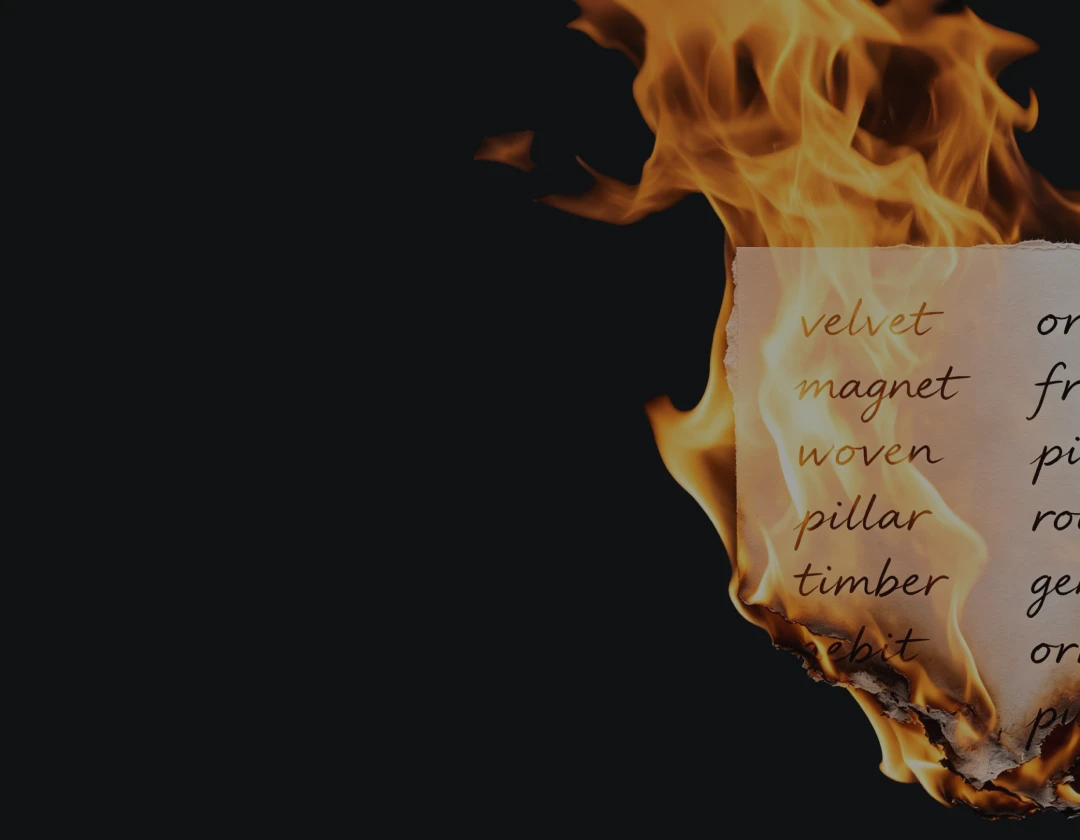
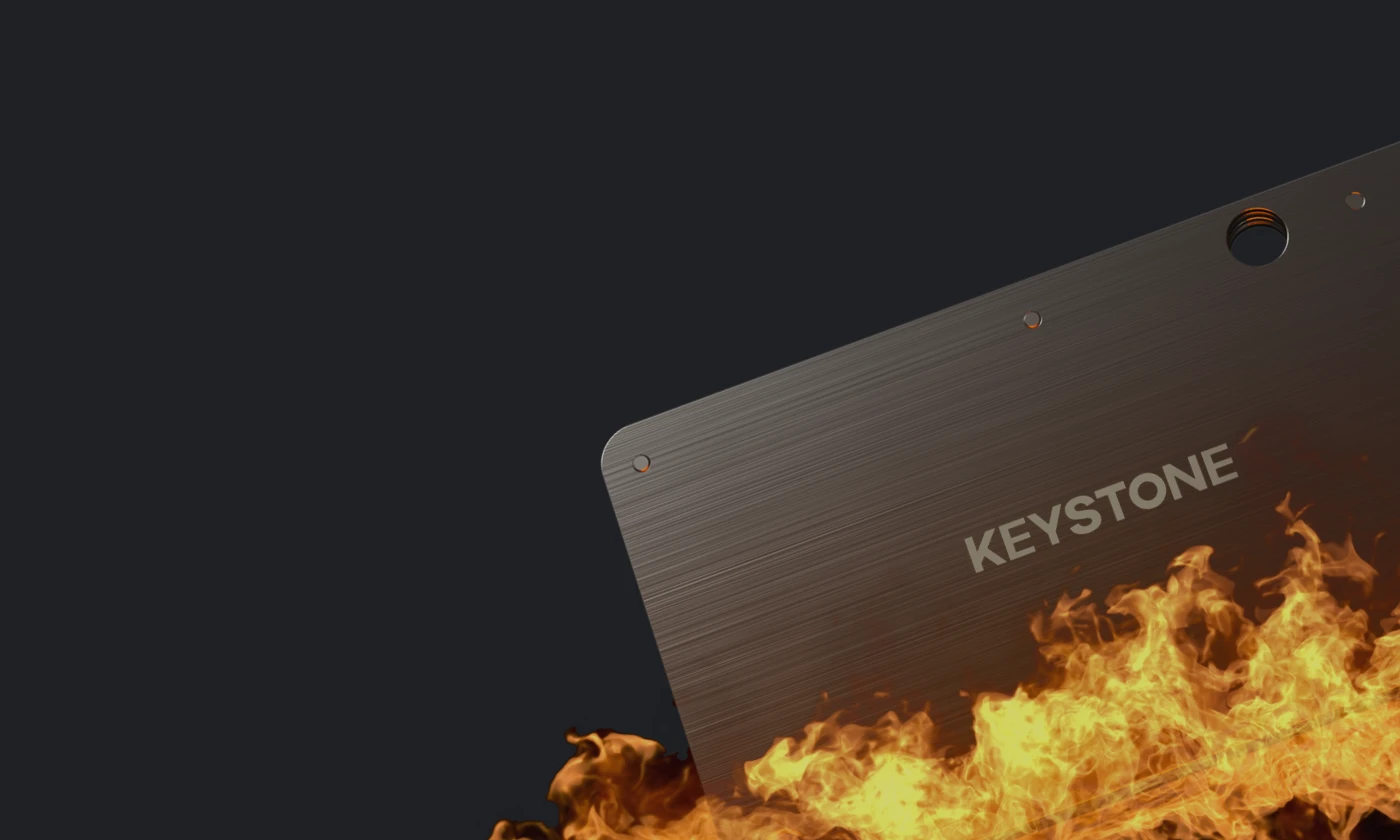
Paper Backup:
Fragile and Unreliable
Every 96 seconds, a home fire is reported in the U.S. Don’t let one unexpected disaster put your crypto at risk.
Metal Protection for
Peace of Mind
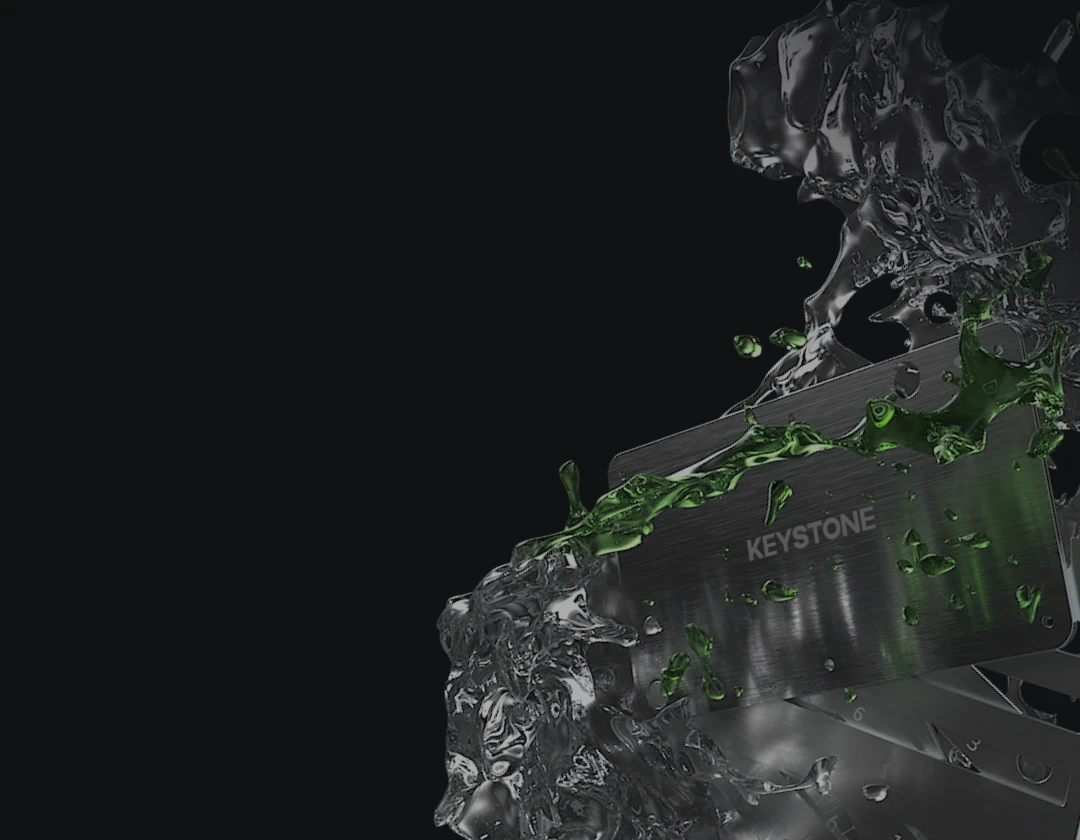
Keystone Tablet turns your seed phrase into a lasting physical backup. Made of 304 stainless steel, it resists fire, water, corrosion and extreme conditions.
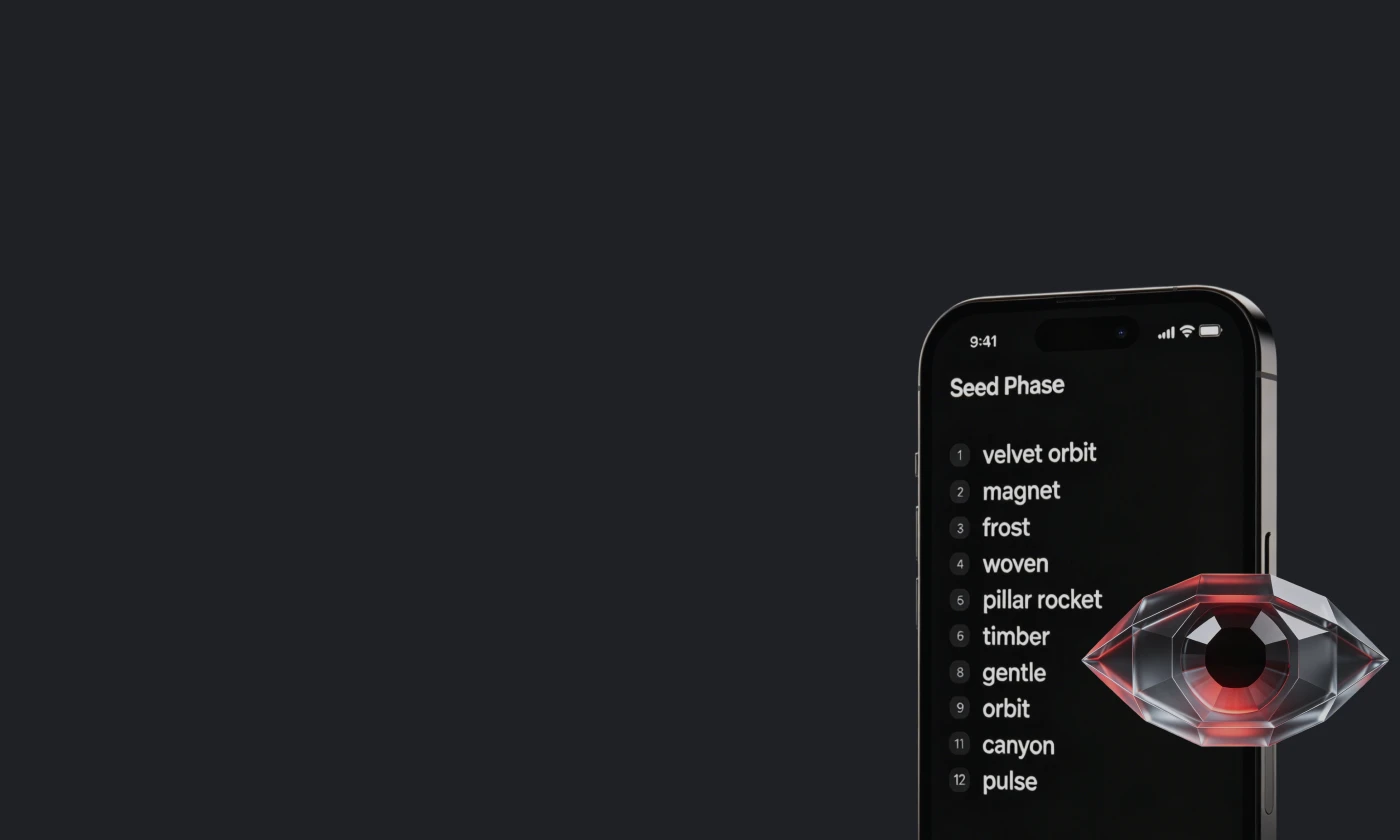
Photos and Memory
Come with Hidden Risks
A photo of your seed phrase may feel convenient, but it creates a digital copy that hackers can target. And if you rely only on memory or one device, one mistake could lock you out forever.
Securing Your Seed
Phrase Is a Must
No seed phrase, no recovery. Your 24 words are the final key to your crypto assets. Keystone Tablet gives them a stronger physical backup.
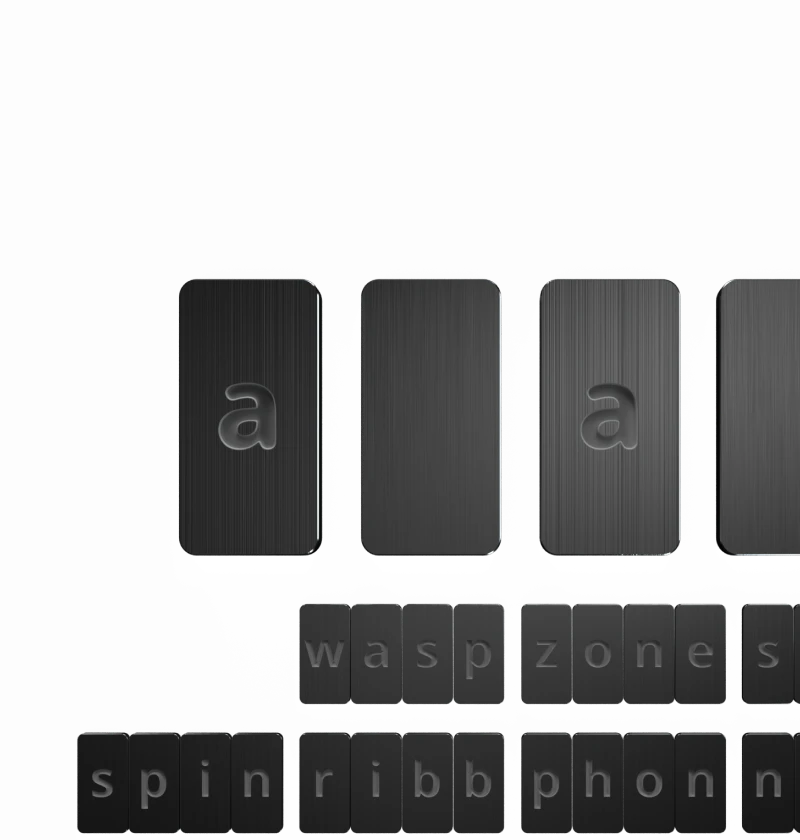
Etched in Steel
An intense industrial etching process ensures your phrase words are permanently preserved.
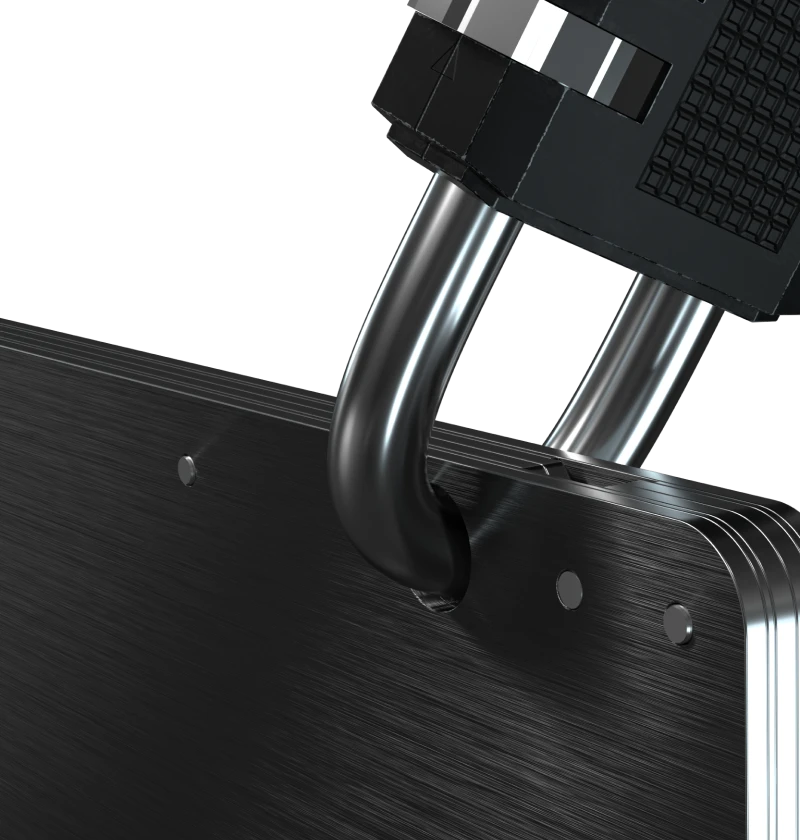
Lock Hole
For Double Protection
304 stainless steel
Non-deformable
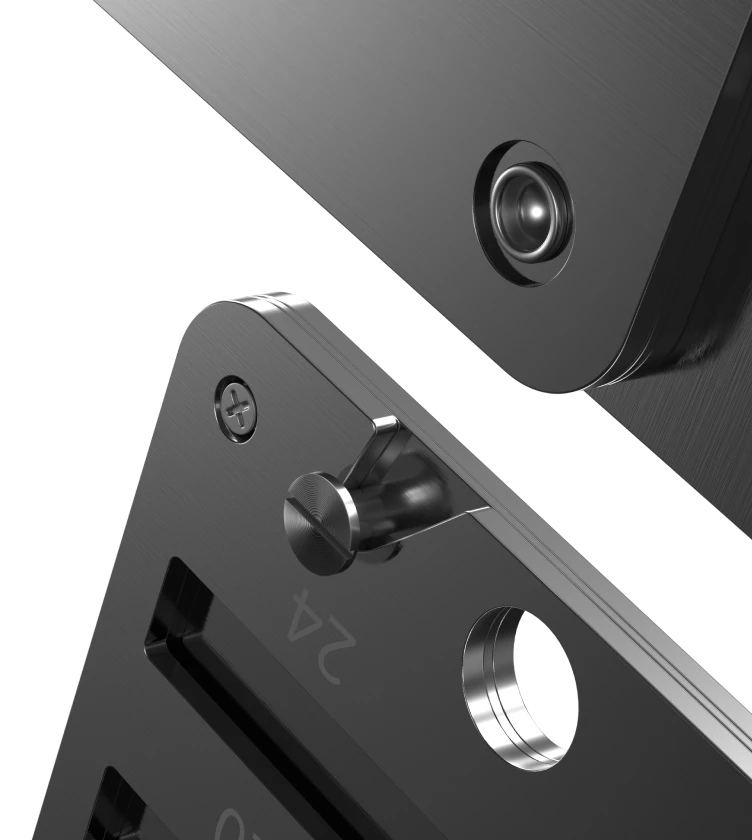
Easy To Use
Versatile
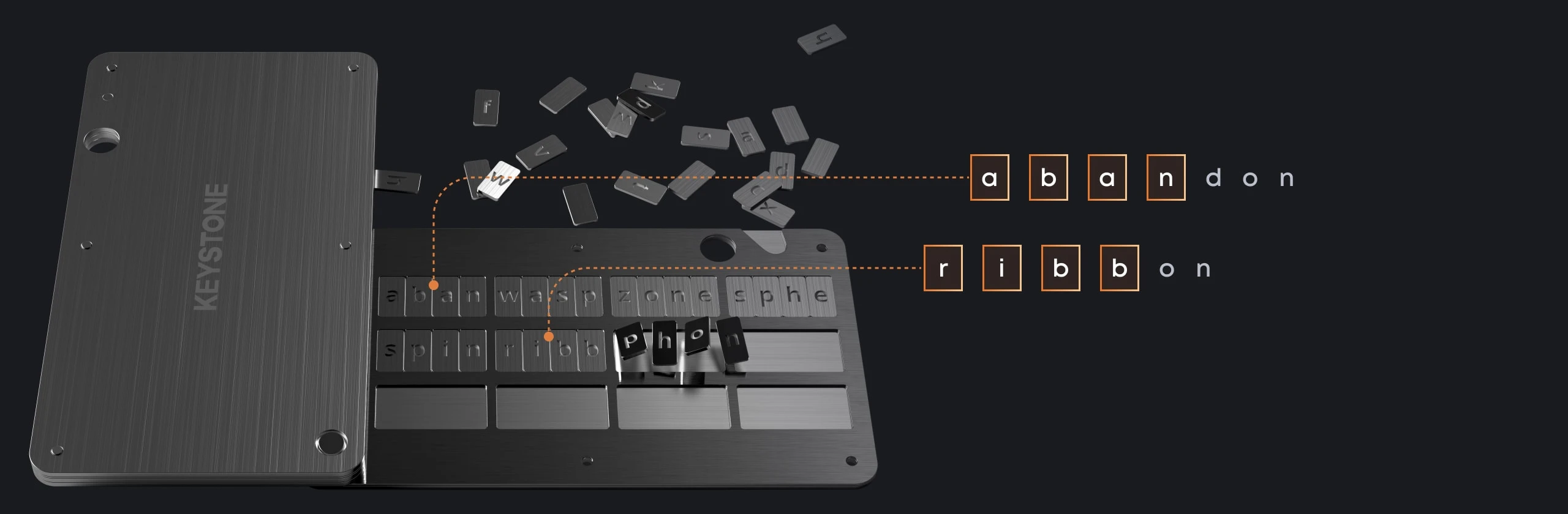
BIP39 Compatible
Only the first 4 letters of each word are needed in order to identify each word in the seed phrase
'%3e%3cpath%20d='m4.98887%2043.0121-.17964.8083%209.77377-2.1724c2.8972%201.5489%206.1327%202.357%209.418%202.352%2011.046%200%2020-8.954%2020-20s-8.954-20-20-20-20%208.954-20%2020c-.00495%203.2853.80306%206.5208%202.352%209.418l-2.17236%209.7738zm0%200%209.43143-2.0962.2712-.0603.2451.131c2.7881%201.4906%205.9017%202.2682%209.0633%202.2634h.0011c10.6318%200%2019.25-8.6182%2019.25-19.25s-8.6182-19.25-19.25-19.25-19.25%208.6182-19.25%2019.25v.0011c-.00476%203.1616.77281%206.2752%202.26341%209.0633l.13102.2451-.0603.2712z'%20stroke='%231be0c6'%20stroke-width='1'/%3e%3c/g%3e%3c/svg%3e)
Supports 12, 18 or 24 word seed phrases

Suitable for all types of cryptocurrencies

Compatible with all BIP39 hardware and software wallets
Common methods to store seed phrases
| Paper Backup | Photo / Screenshot | Cloud Backup | App Password Manager | Keystone Tablet | |
|---|---|---|---|---|---|
Completely offline | | | | | |
No digital copy | | | | | |
Protection against hacking | | | | | |
Fire and water resistant | | | | | |
Corrosion / damage resistant | | | | | |
Independent of device or account | | | | | |
Long-term storage | | | | | |
Installation Guide
Easy to Set Up
1
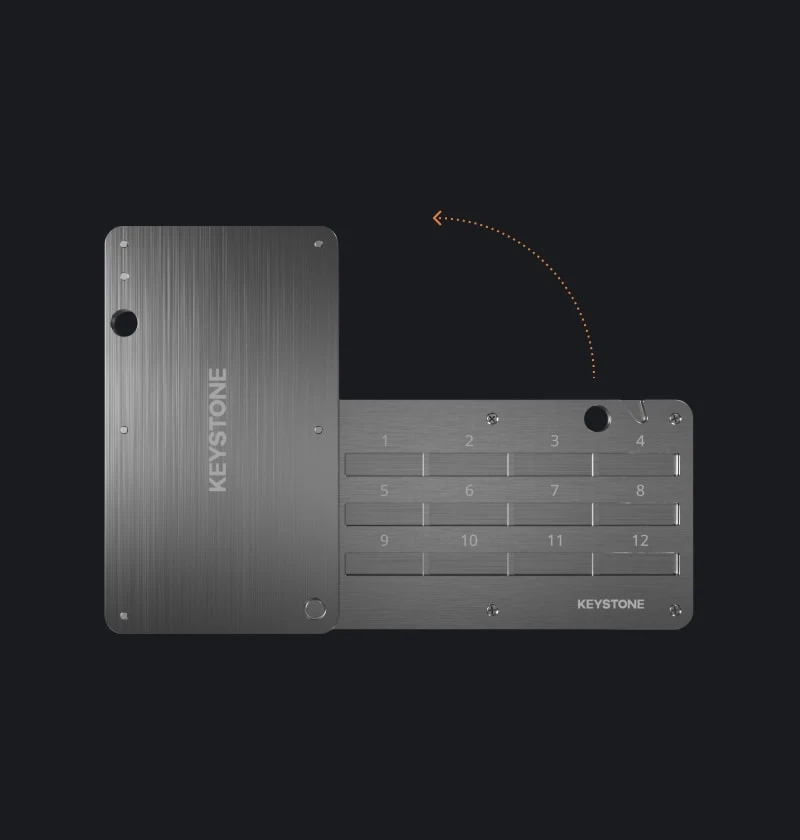
Slide open the tablet
2
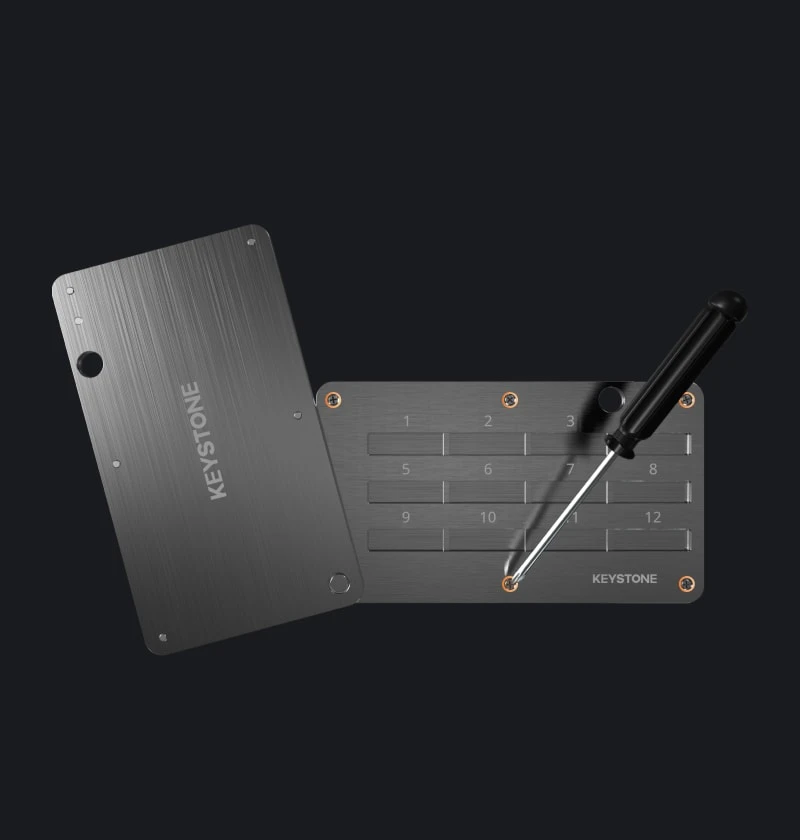
Unscrew everything, leaving only the axle
3
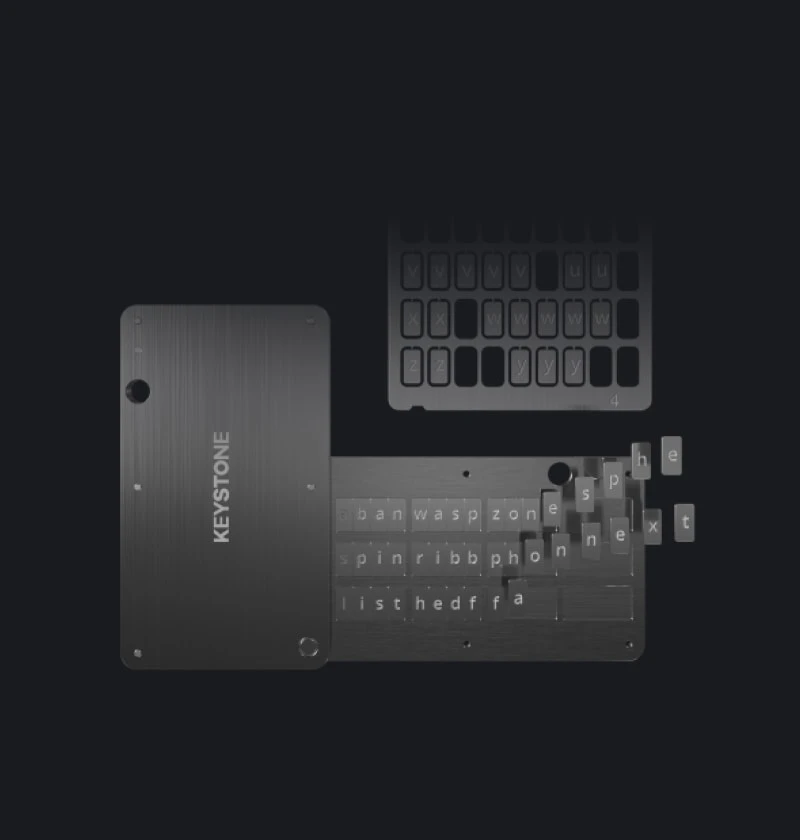
Find the letter tiles you need
4
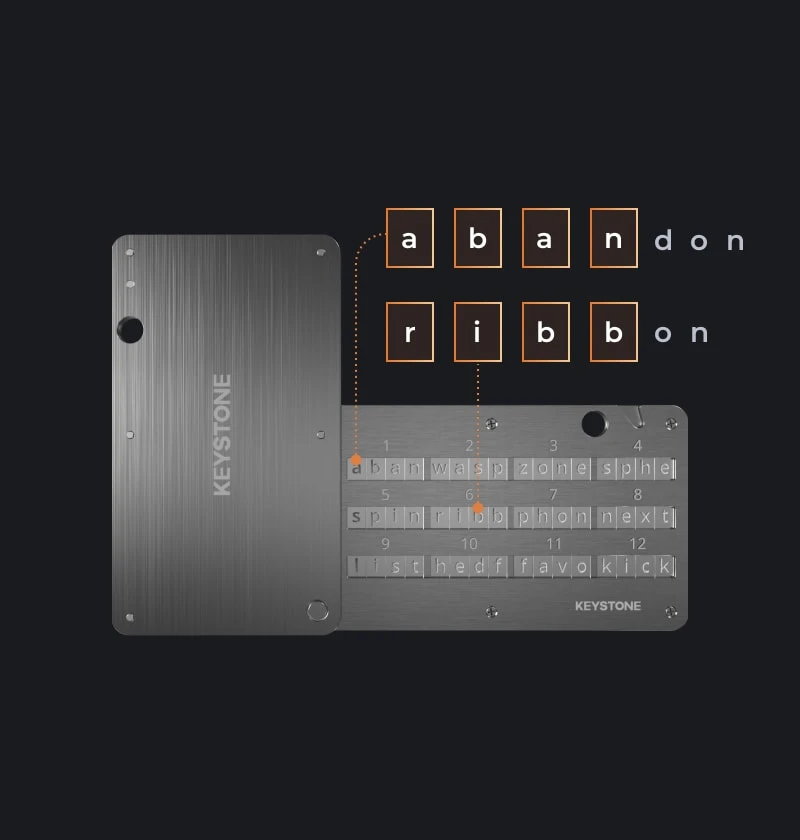
Only the first four letters of each word are needed
5
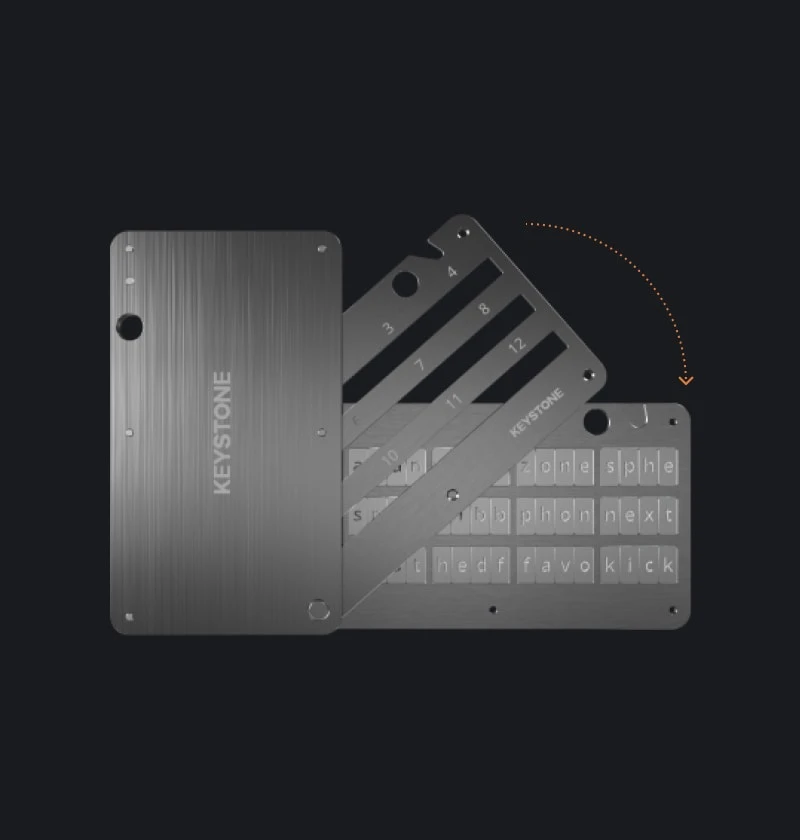
Close the layer cover and fasten the screws
6
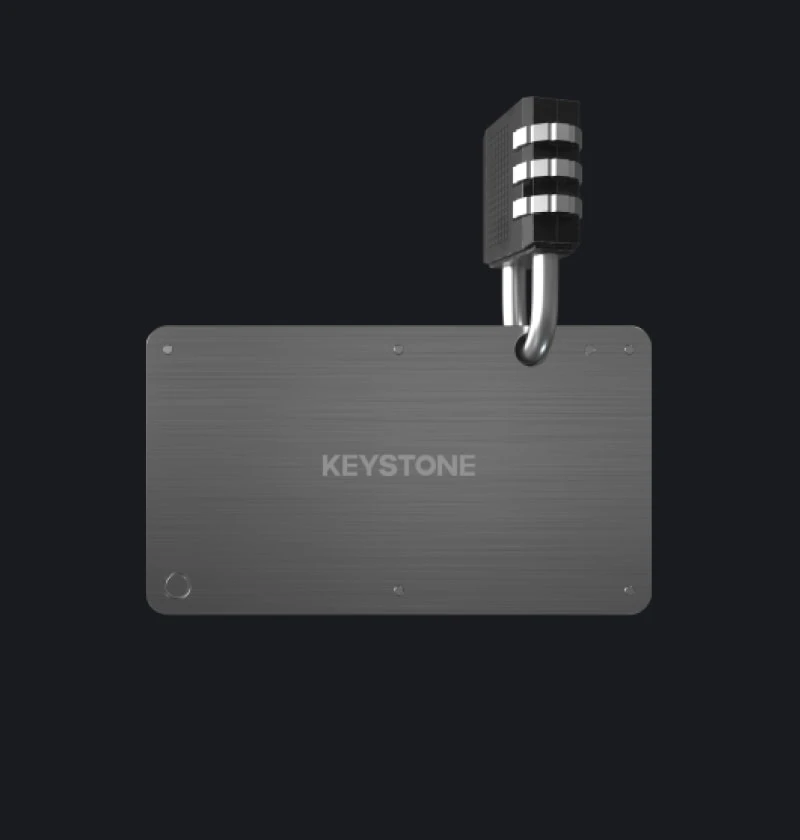
Close the tablet (can be fastened with a padlock)
*Locks are not included in the box
*When using the automatic center punch, it's important not to apply too much force, as this can cause the spring of the punch to become overexerted and stop working properly.
Frequently Asked Questions
What’s in the box
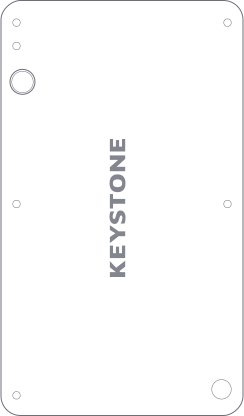
Keystone tablet x1
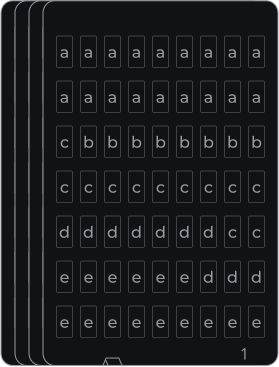
Sheets of metal letters x4

Screwdriver x1

Spare screw x3
*Screwdriver styles may be adjusted due to batch differences.
You May Also Like


Keystone 3 Pro <> MetaMask
$249


Keystone 3 Pro Customization
$249

Keystone 3 Pro Co-Branded Version
$199

BTC Genesis Block 16th Anniversary Special Edition
$249


Keystone Care+
$50
'/%3e%3crect%20x='18'%20y='59'%20width='44'%20height='1.5'%20fill='%2383868F'/%3e%3ccircle%20cx='29'%20cy='15'%20r='2'%20fill='%23E0516E'%20fill-opacity='0.24'/%3e%3ccircle%20cx='51'%20cy='15'%20r='2'%20fill='%23E0516E'%20fill-opacity='0.24'/%3e%3c/svg%3e)